

Mustard's Workshop: Ginger Cat
Behind the scenes of them making an ginger cat

Hello!
Mustard would like to welcome you to the first look at their pixel art process. Their process is pretty straight-forward (in their opinion) but they will try their best to walk you through it step-by-step.
✎𓂃𝐜𝐚𝐭 (who you should subscribe to) requested a ginger cat with green eyes for no reason.
Mustard asked for some clarification on what type of cat they would like. Cat went into some detail for them:
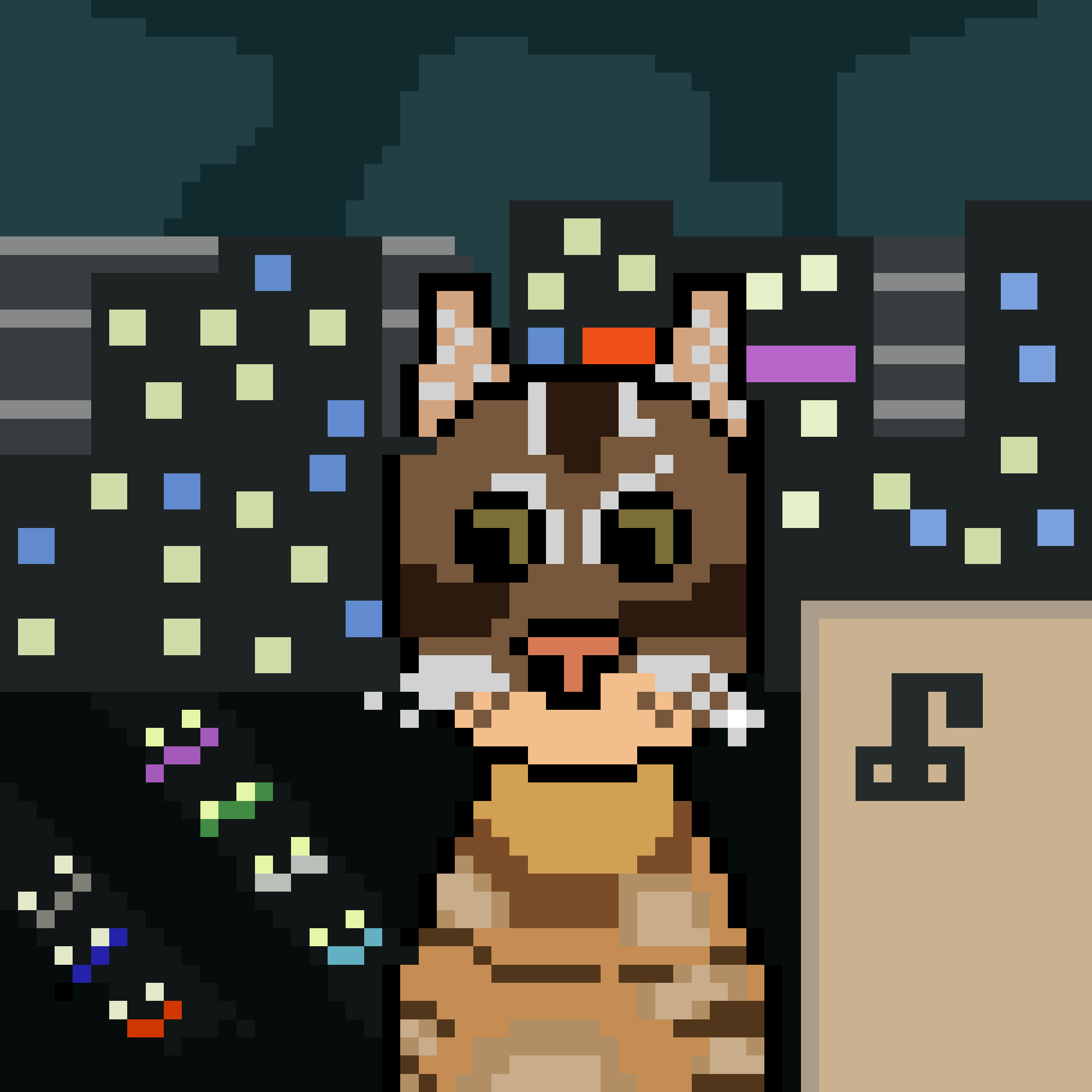
Cat emphasized “no reason.” Condiments are not well adapt at picking up on social cues but they believe there is a hidden reason behind this request. Nonetheless, they are excited to create a ginger cat with green eyes. This will be the second cat they have ever made. The first cat they made was the legendary soup for ✧ brooklyn 𓆏:
Step one: find a reference photo
Before Mustard begins they like to find a reference photo. Mustard said this in a comment while speaking with mai but they try their best to go for “pixel realism.” Mustard is unsure if that a legitimate thing within the medium but they want whatever they are making to look as accurate as possible. With pixels you are limited to specific shapes so you must work within those boundaries. This condiment does not have the confidence yet to work without a reference photo.
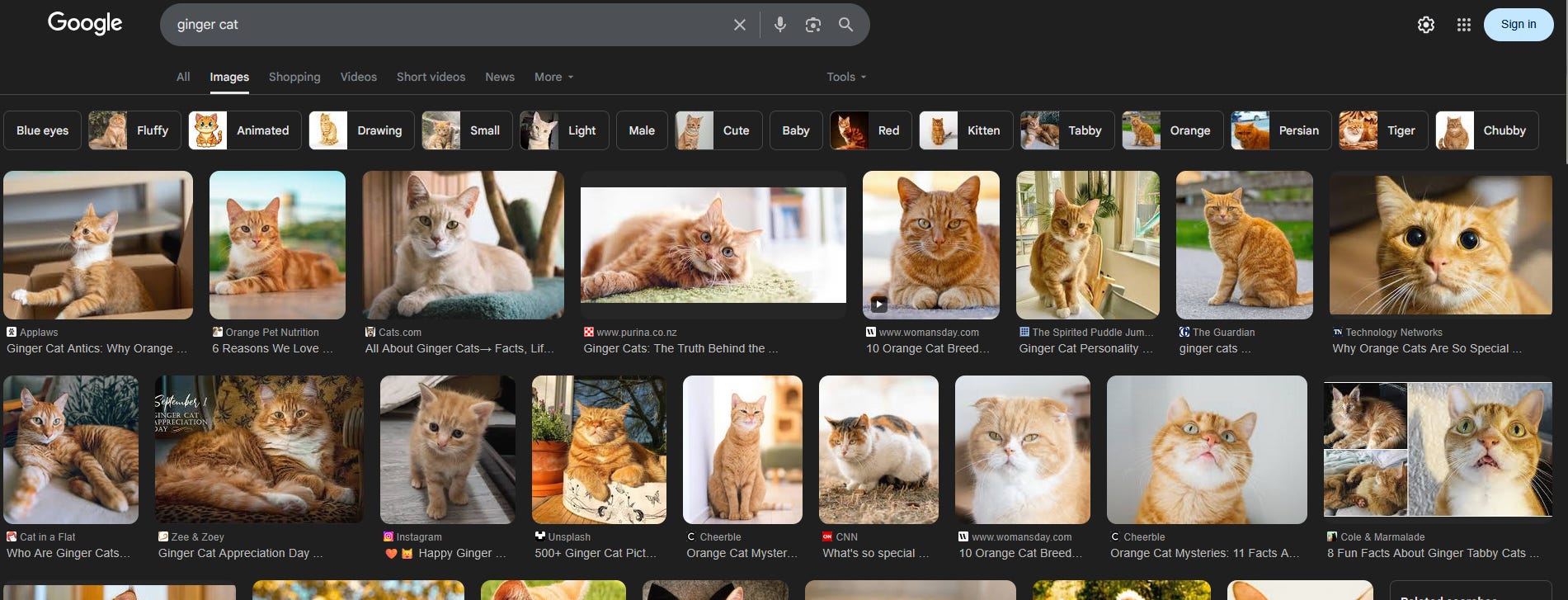
Mustard begins their search for a reference photo by using Google. Because they are still learning Mustard wants to select a photo that does not seem too complicated but still provides a lot of details. The more details for them the better. These extra details at first overwhelmed them but honestly the more detailed an animal is the more they have to work with. This is why they enjoy creating birds and ducks. They are beautiful creatures who have so many details that you may not catch from afar. Looking at these reference photos gives them a better appreciation for just how beautiful animals are.
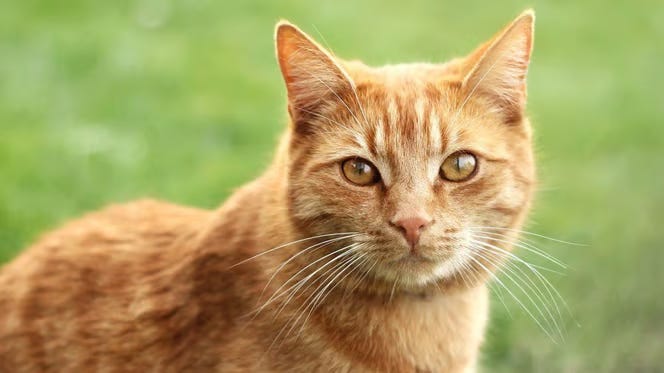
The photo that Mustard decided to go with is:
Step two: run photo through a color picker
Mustard mentioned earlier they try their best to achieve “pixel realism.” To help them with this they like to run whatever photo they choose through a color picker. There are many to choose from but they, ironically, gravitate towards a website called Red Ketchup. In this instance though they used a website called imagecolorpicker.
Step three: open up Piskel + choose size
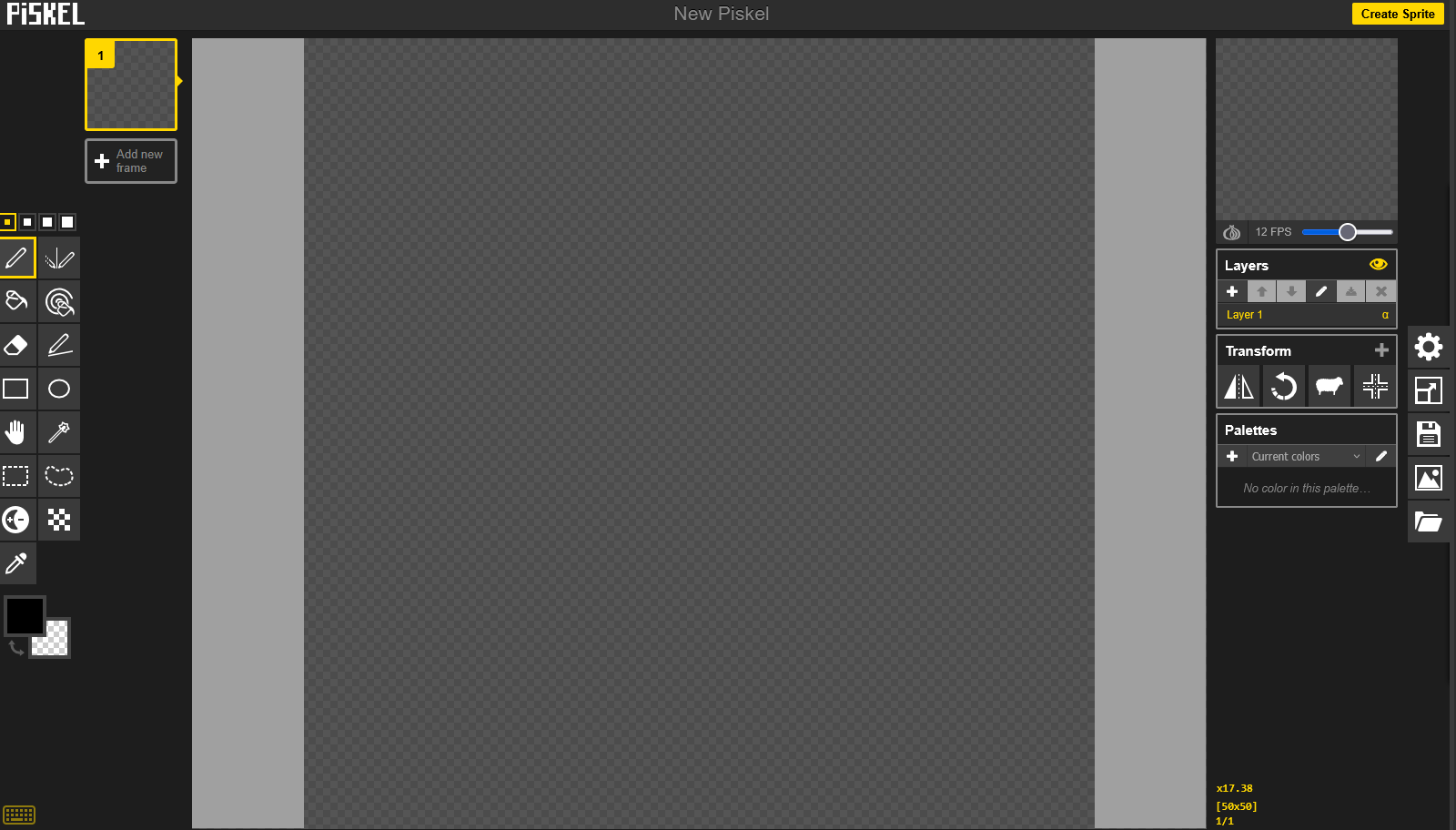
Piskel is the software they like to use. They make their art during their work-hours and thankfully do not need to download Piskel onto their laptop. Mustard is able to work freely using what you see above. Piskel looks a lot like Adobe Photoshop but lacks some of the more advanced options you can use. Mustard thinks its limitations actually help them more.
For this piece Mustard decided to start with 50 x 50. The default size is 32 x 32 but Mustard wants to make sure they capture the cat the best they can. Since making pixel art they have learned that working 32 x 32 requires a lot of talent. You have limited space and not much room. Because they are going for pixel realism Mustard is giving themselves some more space by going with 50 x 50. Will it be enough? Let us see.
Mustard’s most used tools with this software are:
move tool (the hand)
straight line tool (you can still use this tool to try to make curves)
color picker
circle tool (makes a cool circle for ya)
Now that all of this is figured out lets begin:
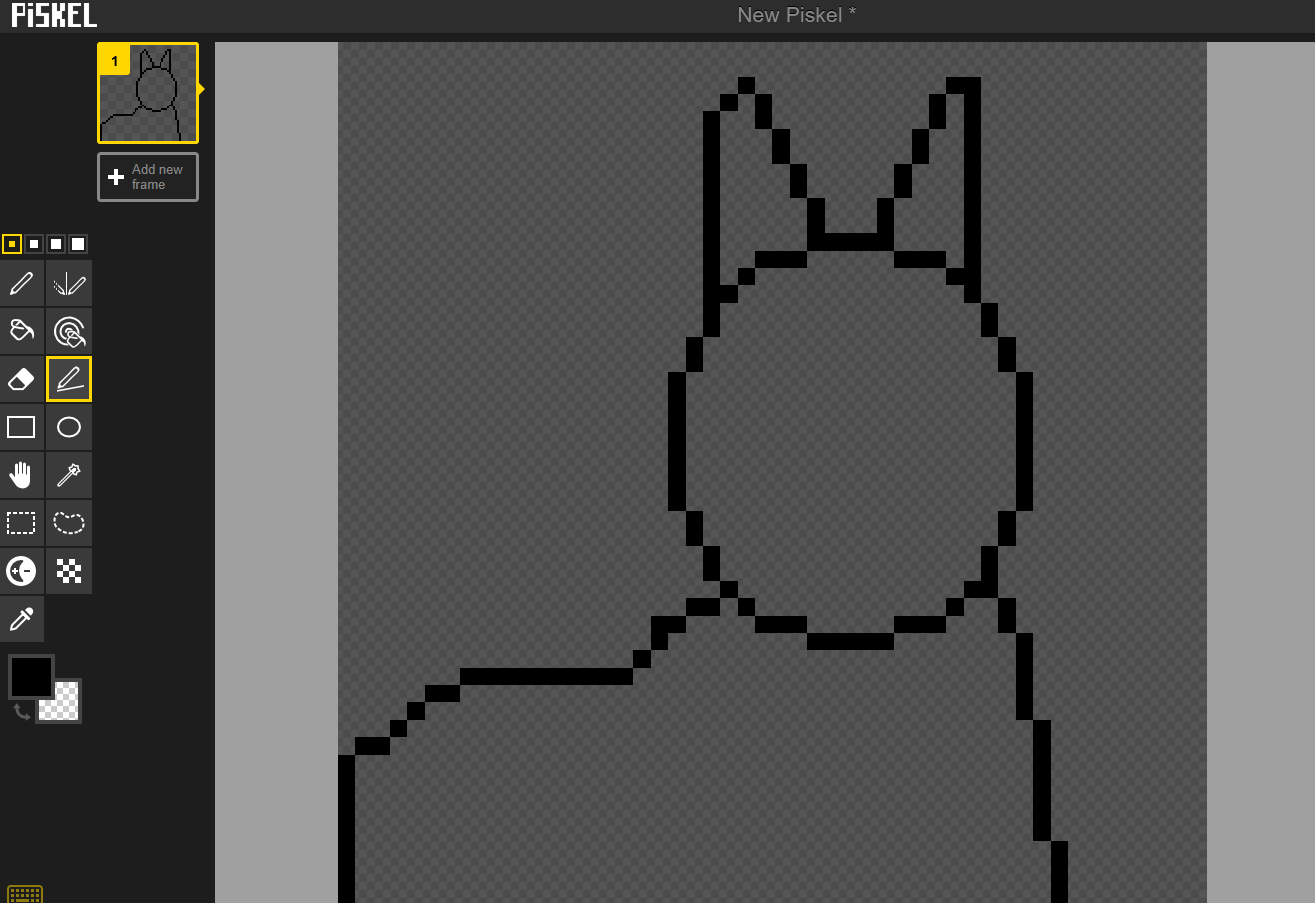
To start Mustard made the outline of the cat in the photograph. Cats are some of Mustard’s favorite animals but they are a bit tricky to create. While working on the outline Mustard decided to Google “ginger cat piskel.” A lot of what they found was adorable and potentially simpler to do. But Mustard enjoys a challenge.
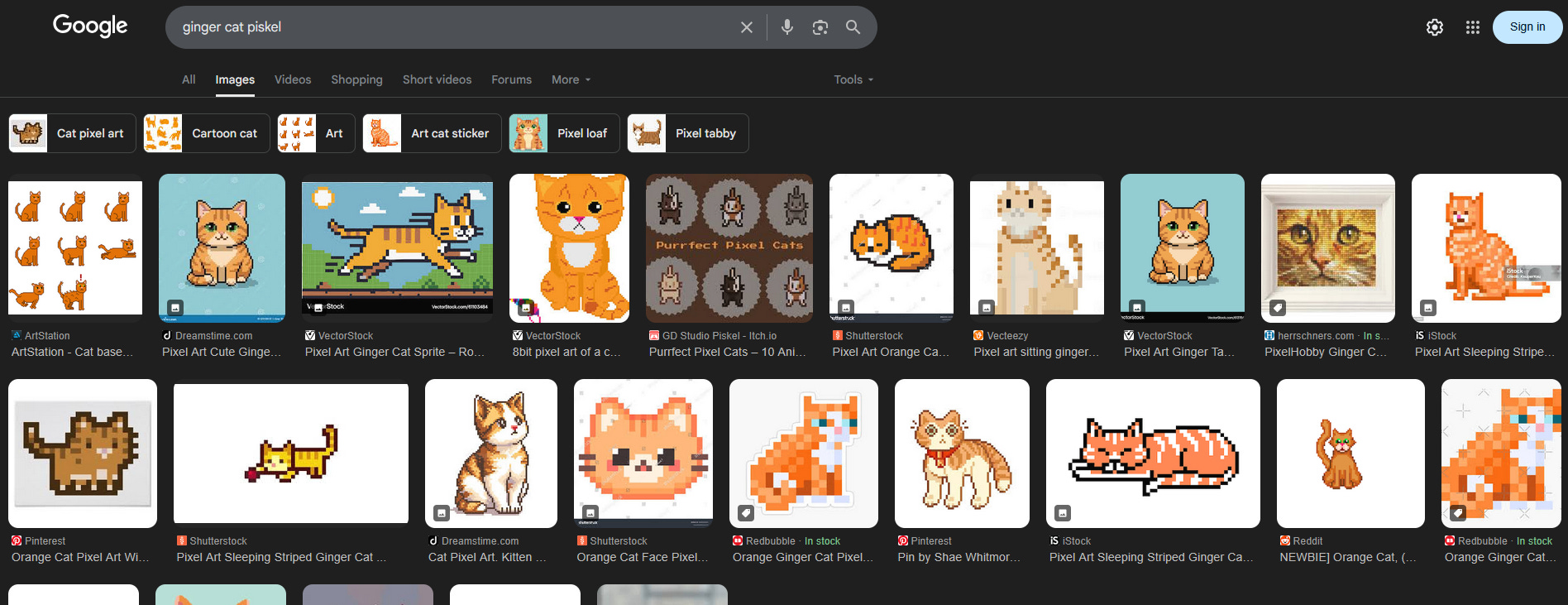
These help in giving Mustard an idea of what the cat can look like. But Mustard has already committed. Mustard wants to try to recreate that photograph essentially in pixel art. The most challenging part of creating a cat for Mustard is the eyes. A Cat’s eyes are so expressive and full of life. Trying to capture that takes skill. Mustard is unsure if they have that skill but they will certainly try their best to do what they can.
Through making pixel art Mustard has learned that art is shapes. As an artist is our job to turn those shapes into something worthwhile. Shapes themselves are already pretty cool (though my high school geometry report card would say otherwise) and it is imperative you figure out how to use them.
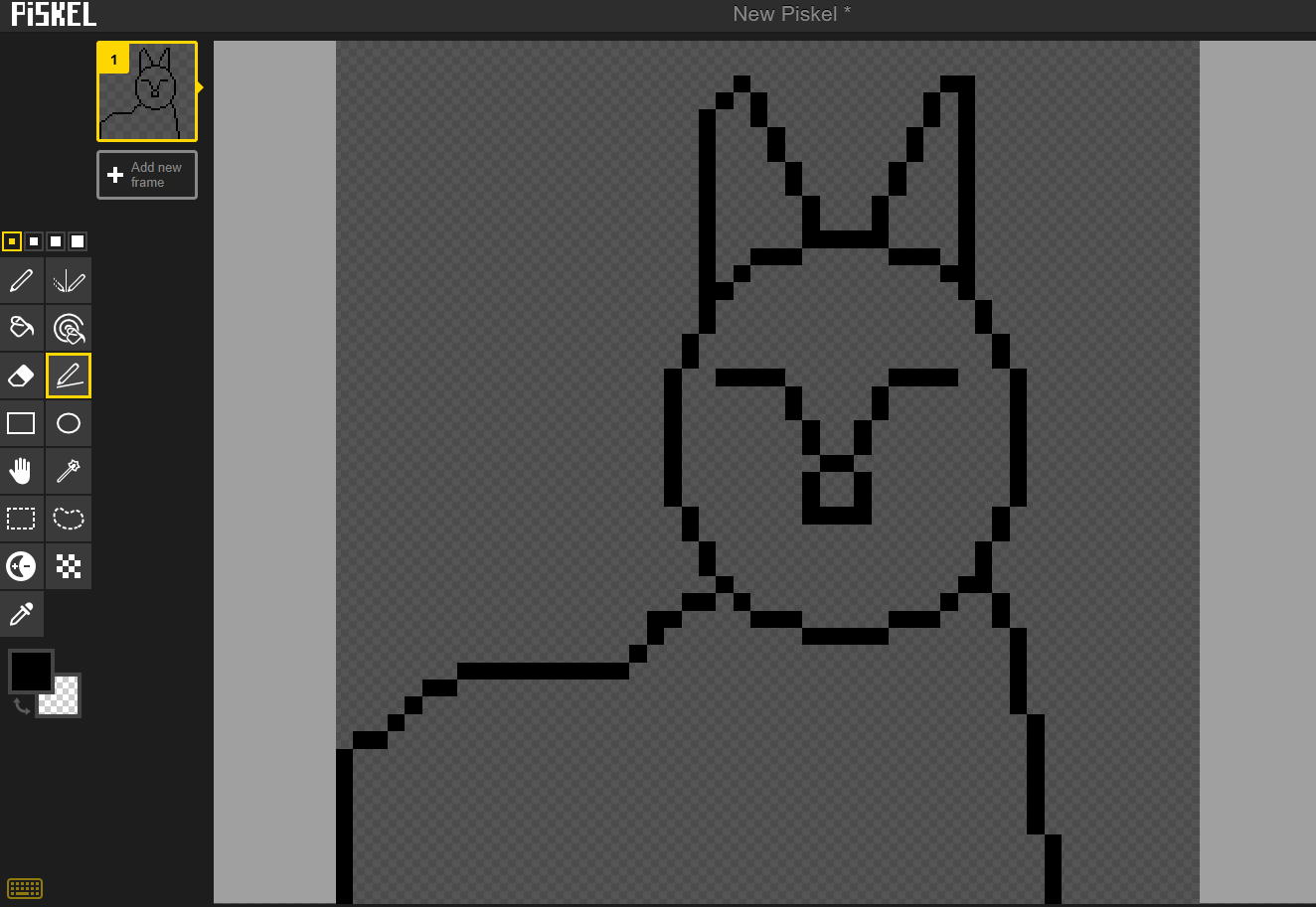
Before even starting on the eyes Mustard decided to create the outline around their eyes. It does not look like much yet but it will provide this condiment a guide on how to move forward. Now that this is made they can work on creating its whiskers and mouth.
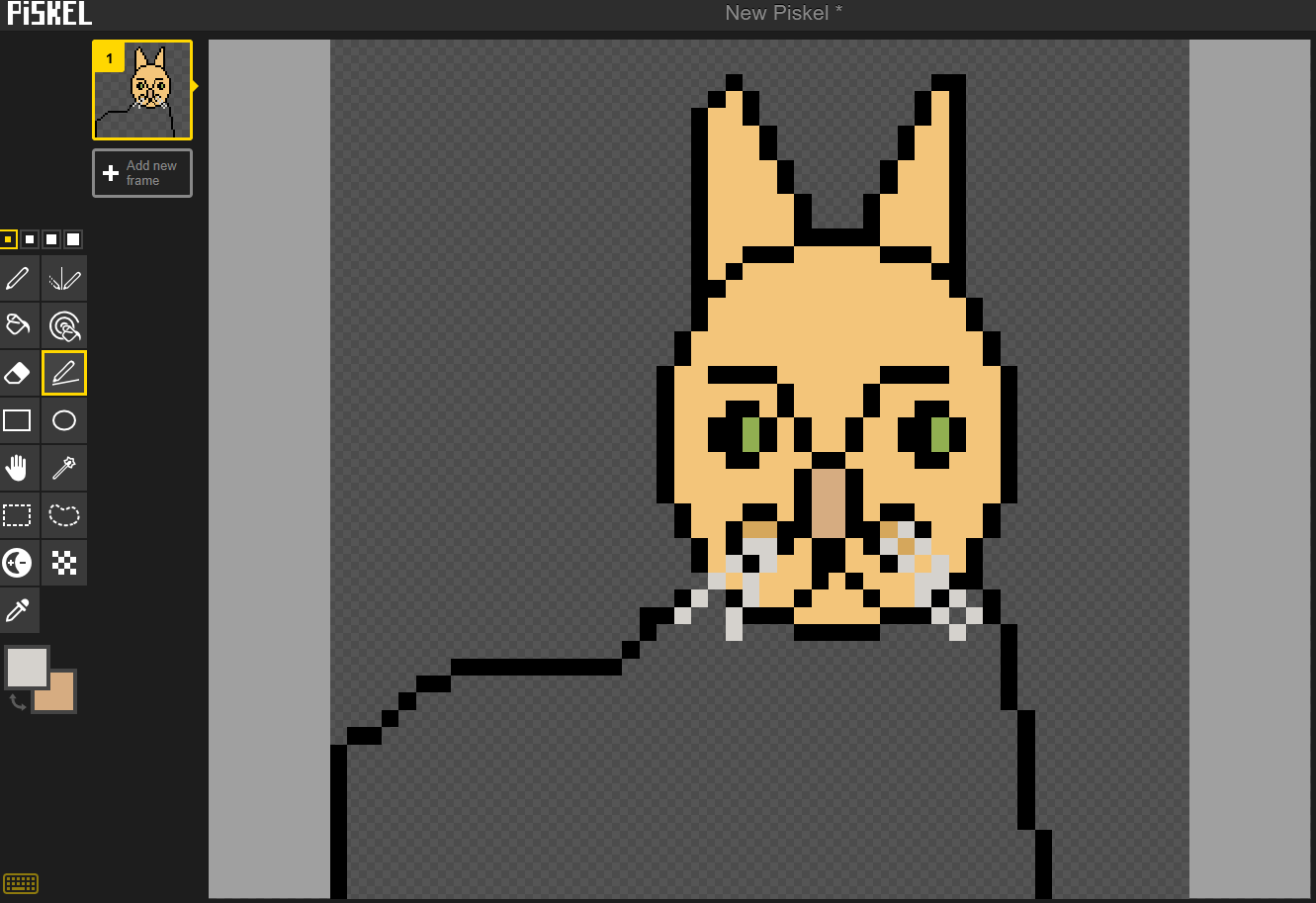
Up next Mustard decided to start adding color. It looks okay at the moment but what will really help it stand out is shading and using darker tones of the colors already used in your palette. Mustard looked at this and realized the cat was too bright. Is it technically ginger? Yes. But looking at the photograph only some of the cat is light. Due to how it is photographed. After this Mustard grabbed another part of its body and decided to darken them a bit for a more accurate piece.
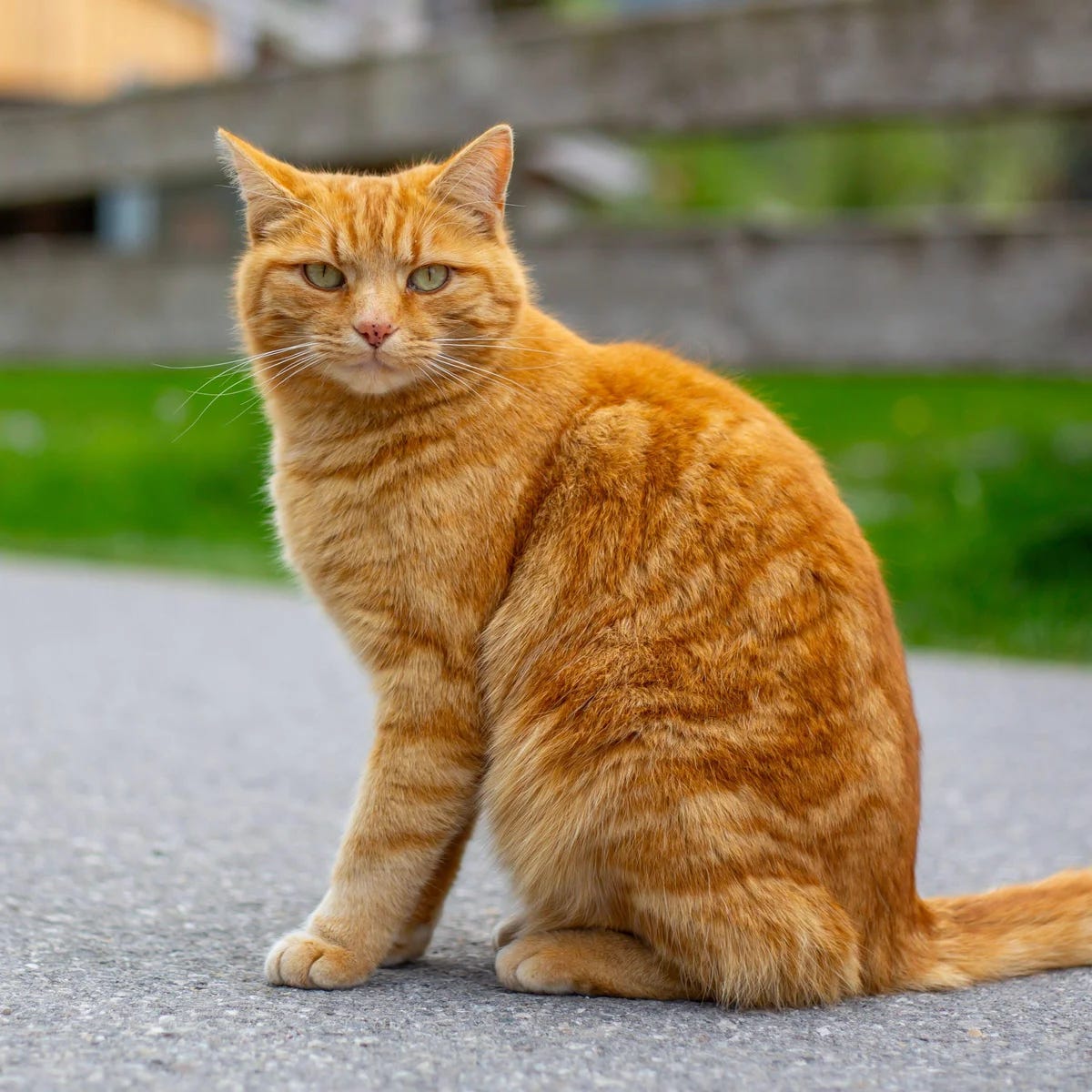
To get a better idea of how to detail the body Mustard pulled up another photo of a ginger cat. Look at the absolute detail this cat has. Mustard is going to try their best to capture it the best they can. Their primary photo helped as a base but since they are going for realism they decided they needed another resource photo to use.
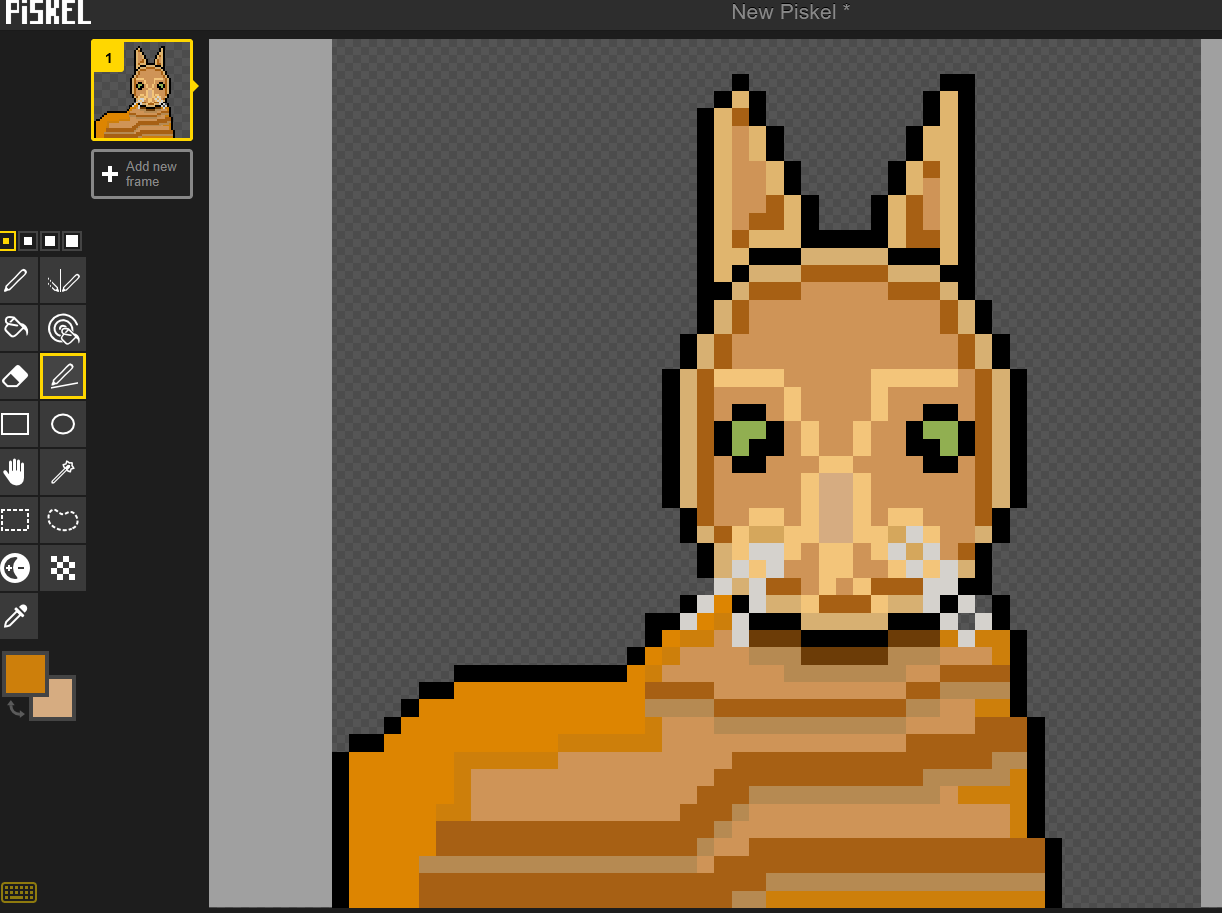
Here is the final product. Mustard went through many different colors. Because of the position of the cat they tried their best to capture the lines detailed on the second reference image. For them the eyes remain the most difficult aspect of making a cat. Mustard tried to give them as much as they could. Earlier today Mustard reached out to Cat via DM and asked if she wanted a specific background color. Down below are three versions of this ginger cat with green eyes.
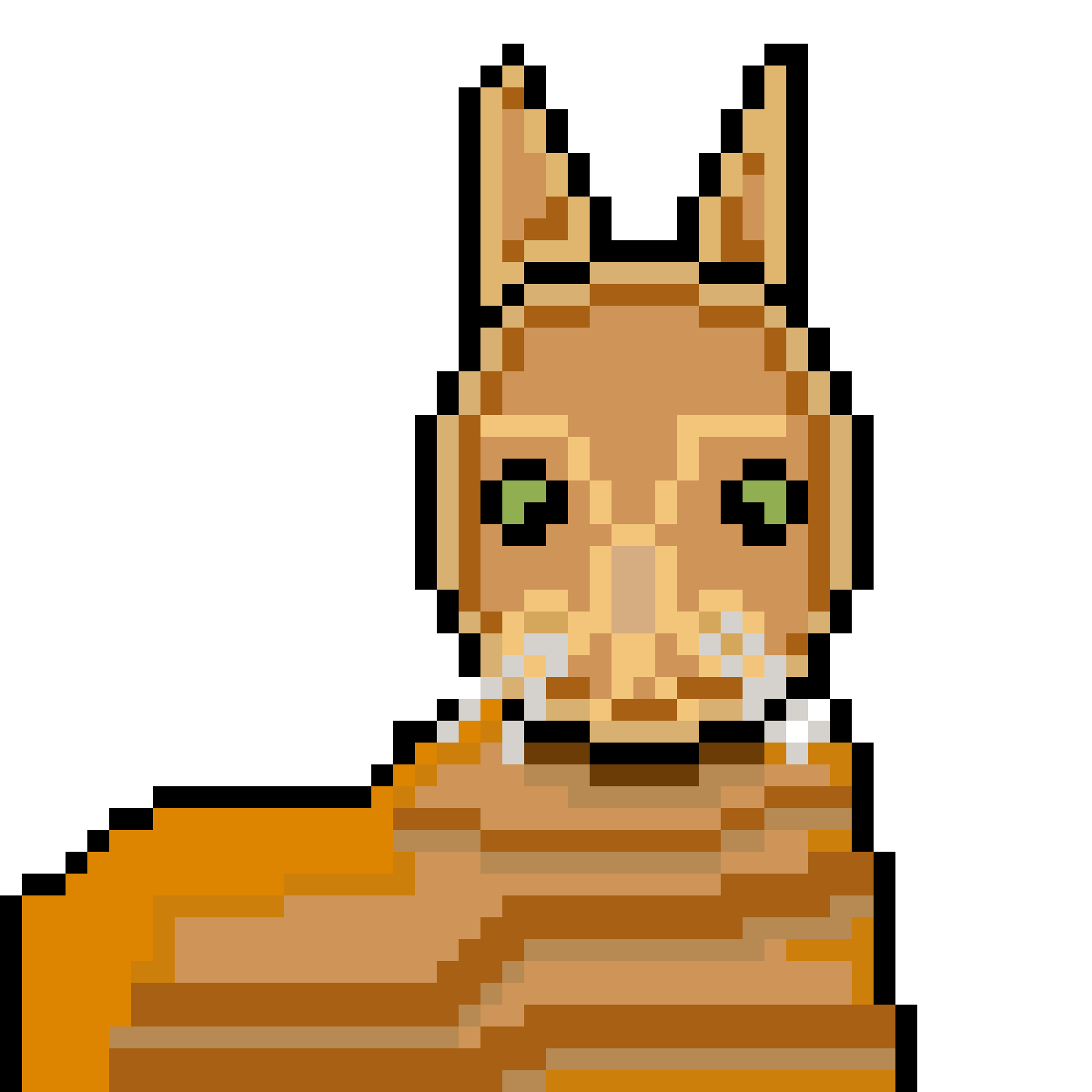
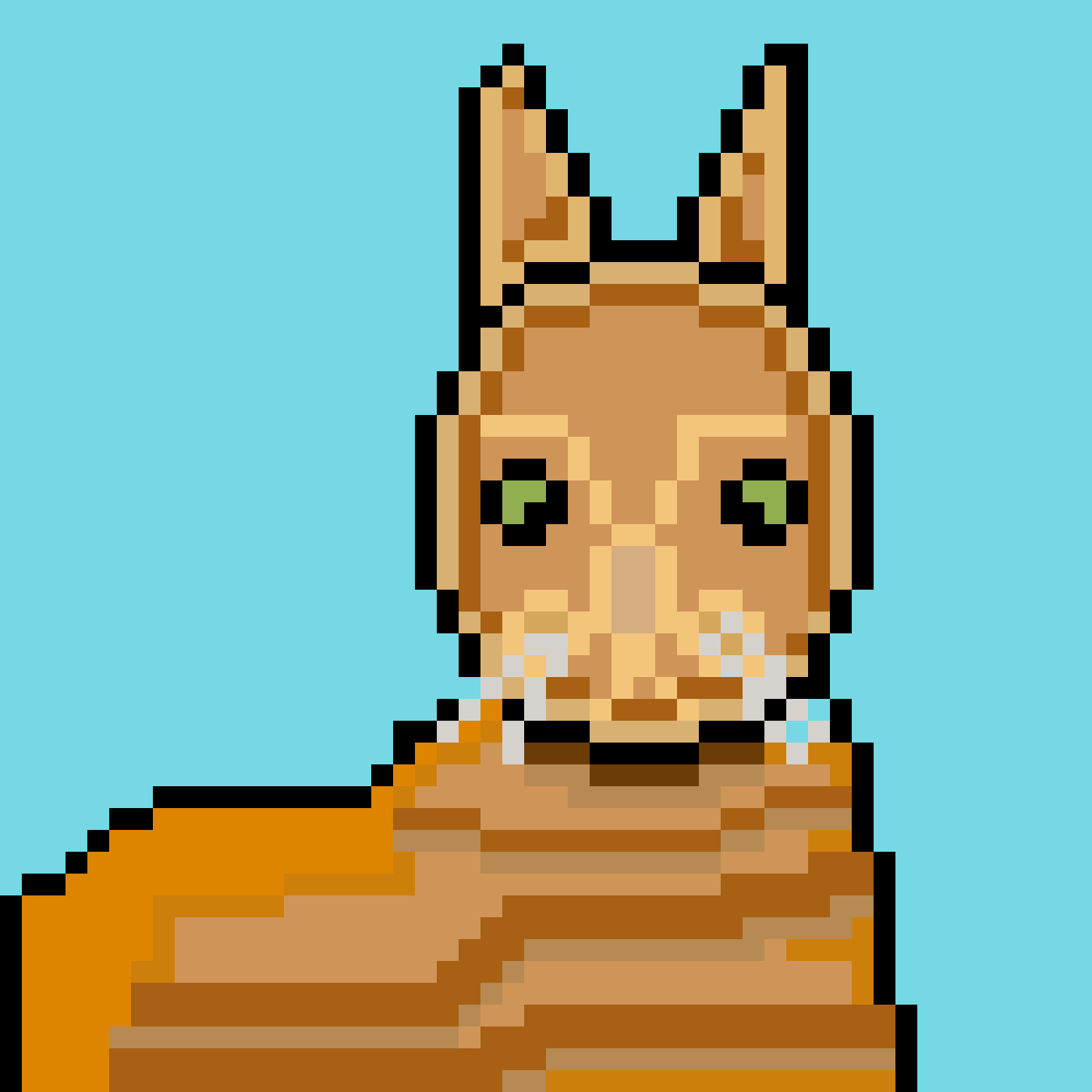
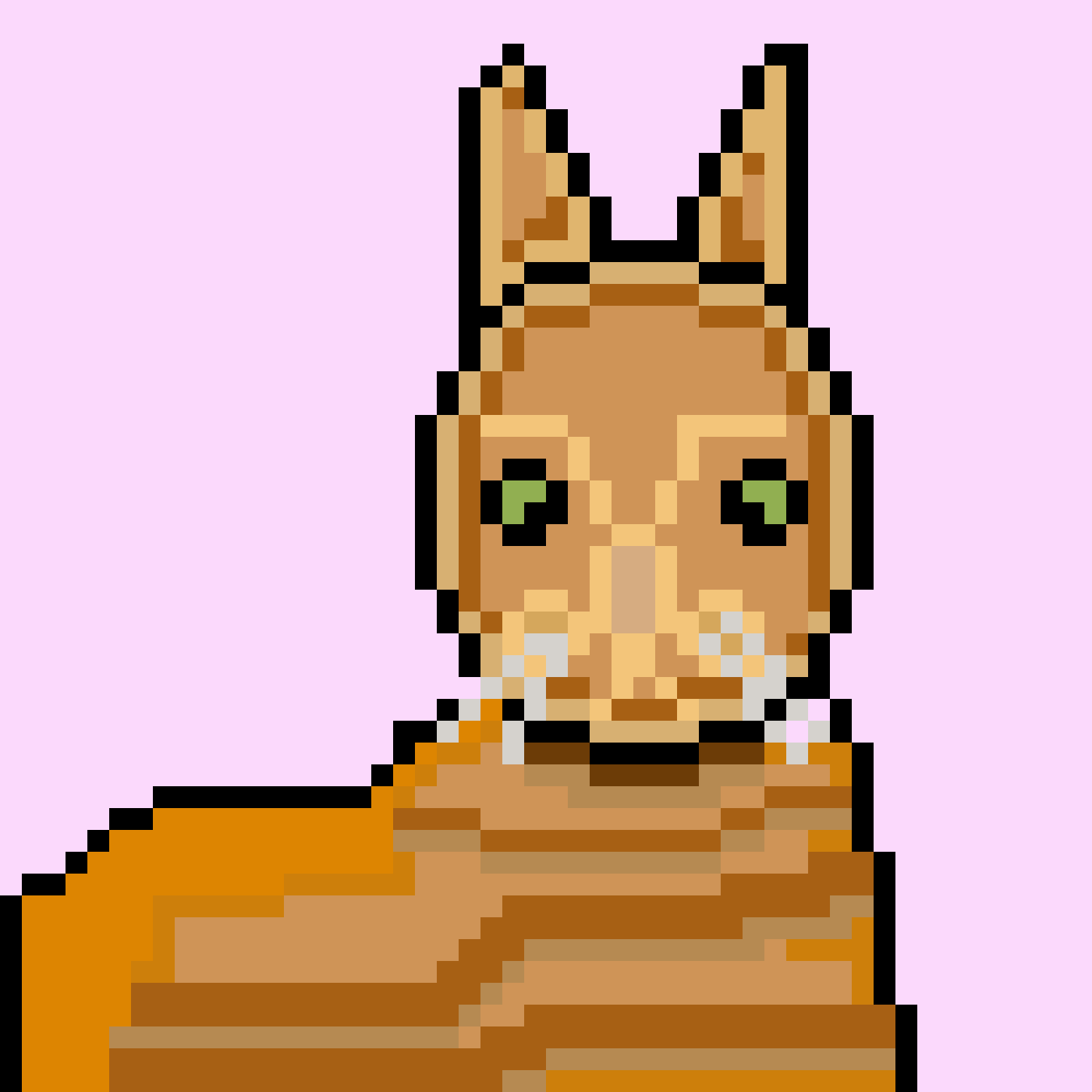
Mustard would like to thank you for joining them behind the scenes. Moving forward they will cut out some of the steps and go right into the meat of it. This was a lot of fun to make and they hope this is what ✎𓂃𝐜𝐚𝐭 had in mind when requesting it! :)
Mustard is so talented! What a fantastic idea to share pixel art - I can’t wait to see what’s to come🤍
This is great, Mustard. I love getting to see your process!